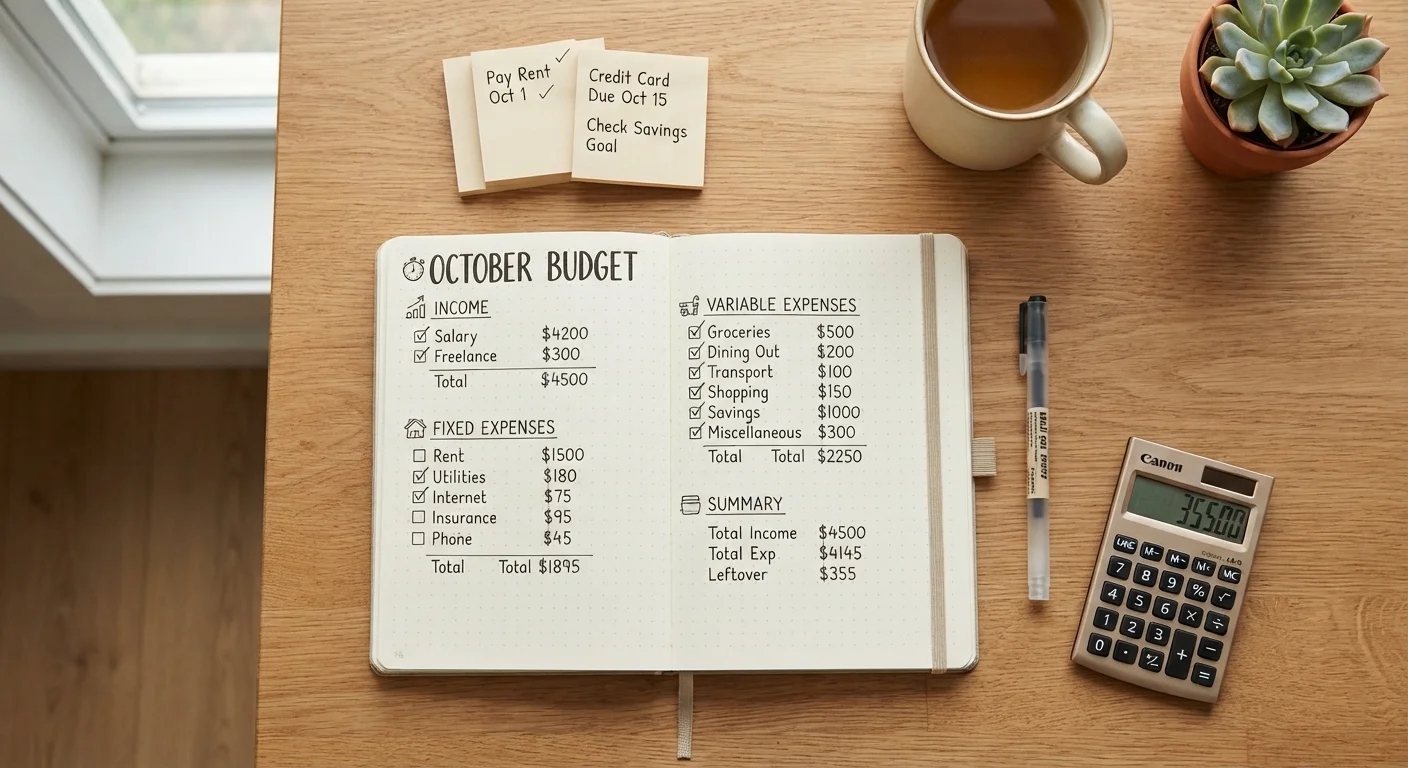

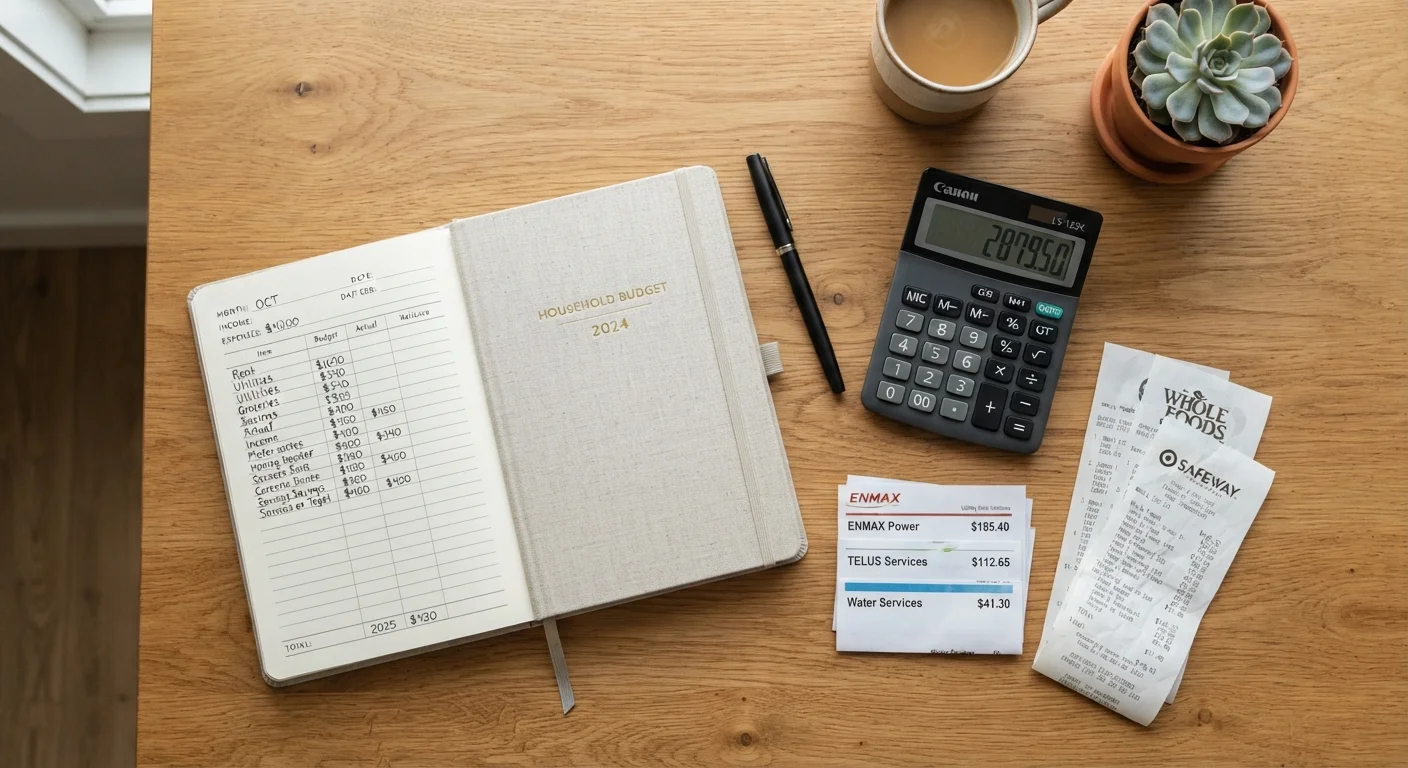
Why a Room-by-Room Spending Audit Works
Looking at your total monthly spend as one number is nearly useless. It tells you whether you're over budget but nothing about why. A category-by-category walkthrough — structured like moving through rooms in your home — forces you to confront each spending area individually, which is where real savings surface.
This checklist is designed for a once-a-month review. Pull up your last 30 days of bank and credit card statements before you start. If you're working toward a broader financial framework, the Budget Basics hub covers foundational strategies that pair well with this audit.
Don't Audit From Memory — Use Your Statements
Most people underestimate their spending in nearly every category when asked to recall it. Before starting this checklist, download or print your actual bank and credit card statements for the past 30 days. Guessing defeats the purpose of the exercise and will cause you to miss the charges that matter most.
How to Use This Checklist
Work through each group in order. For every item, compare what you actually spent against what you expected or budgeted. Flag anything that's increased without explanation, anything you're paying for but not using, and any one-time charge that might recur. Use a simple spreadsheet or even a notes app to log your findings.
Once you've run this audit, use the monthly budget reset checklist to translate your findings into a cleaner plan for next month.
Kitchen & Groceries
Living Room & Entertainment
Home Office & Utilities
Bathroom & Personal Care
Garage & Transportation
Financial Accounts & Recurring Obligations
Tools That Make the Audit Faster
You don't need specialized software, but a few tools reduce friction significantly. Your bank's transaction export (usually a CSV file) and a simple spreadsheet are sufficient for most people. If you prefer something more automated, budgeting apps can categorize transactions automatically — though manual review still catches what algorithms miss.
For subscription-specific digging, a dedicated audit process pays off. The subscriptions and recurring costs audit guide walks through how to identify services that have quietly renewed without your attention.
Bank or credit card statement (last 30 days)
Provides the raw transaction data you need to complete every section of this audit accurately.
Spreadsheet (Google Sheets or Excel)
Lets you categorize transactions, total by spending area, and track month-over-month changes.
Budgeting app with automatic categorization
Speeds up transaction sorting if you prefer not to categorize manually from a raw statement.
Utility bill archive (last 3 months)
Allows meaningful comparison of electricity, gas, and water costs across months rather than relying on memory.
What to Do With Your Findings
After completing the checklist, you'll likely have a short list of leaks — charges to cancel, services to downgrade, or habits to adjust. Prioritize by dollar impact, not effort. Canceling a $15/month service takes two minutes and saves $180 a year. Renegotiating an insurance premium takes longer but can save significantly more.
If your vehicle costs are a recurring pressure point, the annual car running cost audit is a worthwhile companion review. For a broader framework to allocate what you save, consider looking at the 50/30/20 rule explained as a starting point for restructuring your budget categories.
This article is for general informational and educational purposes only and does not constitute personalized financial advice. Consult a qualified financial professional for guidance specific to your situation.